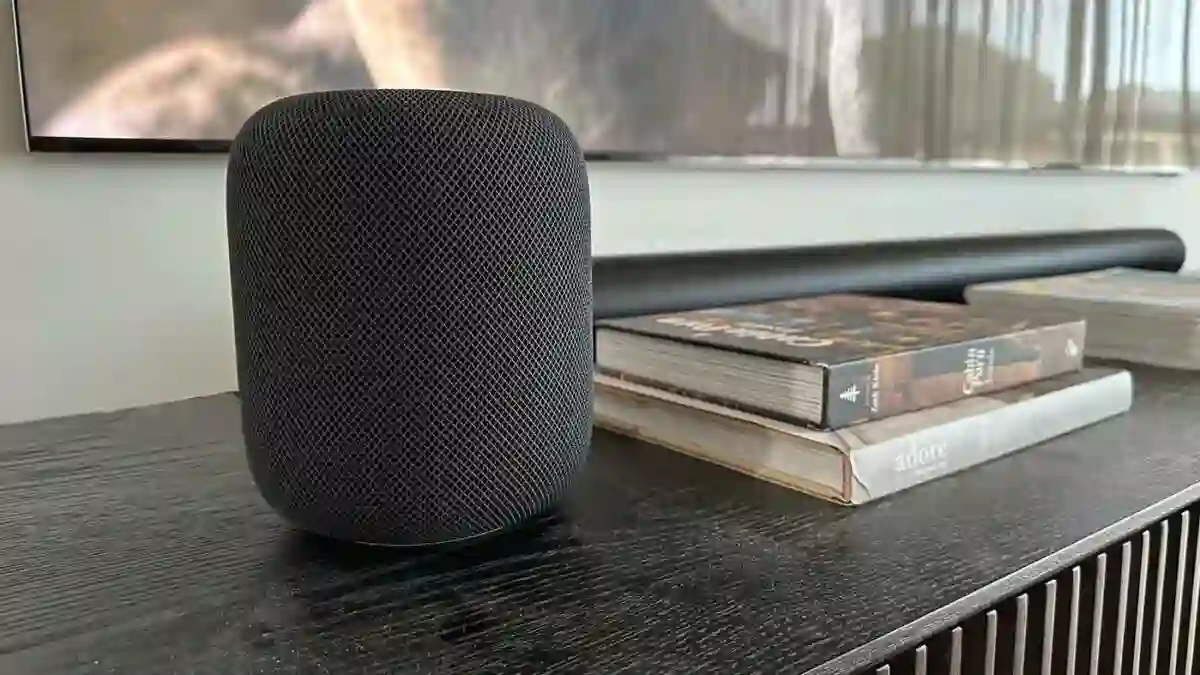
The Apple HomePod 2nd Gen review examines Apple second generation smart speaker launched in 2023. The HomePod is a compact high fidelity smart speaker that aims at listeners who live inside the Apple ecosystem. The speaker promises strong clarity and balanced tuning while adding smart home sensors and Matter support. Its main strengths include excellent sound for size, seamless AirPlay 2 and Apple TV integration, and a redesigned practical detail in the removable power cable.
The main limits are the lack of Bluetooth streaming, dependence on iPhone and iOS for setup, and a Siri experience that trails other assistants in breadth. In this review we break down sound performance for music movies and TV plus setup, placement and real world recommendations. The goal is a clear buying decision guide for those weighing the Apple approach against more platform neutral alternatives.
Apple HomePod 2nd Gen Review: Quick Review
Best For
Listeners heavily invested in the Apple ecosystem who want a compact speaker with excellent clarity and easy Apple TV pairing.
Not Ideal For
People who need Bluetooth streaming or broader assistant flexibility outside Apple products.
Top Strengths
Balanced tuning with good bass for size, tight Apple TV and AirPlay 2 integration, stereo pairing that unlocks Atmos in the right setup.
Biggest Weaknesses
No standard Bluetooth audio streaming, limited user EQ controls, Siri is functional but less capable than competing assistants.
Bottom Line
The Apple HomePod 2nd Gen review shows a highly polished compact speaker that rewards Apple users. The value depends on ecosystem fit and whether the lack of Bluetooth is acceptable.
Product Overview
The Apple HomePod 2nd Gen review places this product in the smart speaker and home audio speaker category. Highlights include AirPlay 2 streaming, stereo pairing for true left right imaging, Dolby Atmos support when used with Apple TV 4K, and Thread Matter smart home compatibility. The speaker targets iPhone owners and people who want a premium built in speaker that doubles as a Home hub and environmental sensor. Market positioning favors audio quality inside the Apple ecosystem rather than universal compatibility.
Apple HomePod 2nd Gen Specifications
| Specification | Details |
|---|---|
| Channels | Single unit mono with support for stereo pairing |
| Driver configuration | 1 × 4 inch high excursion woofer and 5 horn loaded tweeters |
| Subwoofer | Integrated woofer only |
| Dolby support | Dolby Atmos supported in Apple TV 4K paired setups |
| Connectivity | AirPlay 2, Wi Fi, Thread Matter |
| Bluetooth | No standard Bluetooth audio streaming |
| Sensors | Temperature and humidity sensors |
| Dimensions | Approximately 17 cm tall and 14 to 14.2 cm wide deep |
| Weight | Around 2.3 kg |
| Included | Removable power cable and the speaker unit |
Why These Specifications Matter
The driver configuration with a dedicated woofer and multiple tweeters explains why clarity and controlled bass are consistent. Stereo pairing matters more than ever because two units create a wide soundstage and enable Dolby Atmos through Apple TV 4K. The lack of Bluetooth signals a design choice toward AirPlay 2 and network streaming which simplifies the experience for Apple users but limits cross platform use. Built in temperature and humidity sensors are small but practical additions for home automation. Overall the specs point to a speaker optimized for compact high fidelity and deep Apple integration rather than universal flexibility.
Key Feature Explained
Spatial Audio and Dolby Atmos
The HomePod supports spatial audio and Dolby Atmos when used with the right sources and configurations. This matters most when two HomePods are paired and connected to an Apple TV 4K with an eARC capable TV. In that arrangement music and movies that use object based audio feel more immersive and wider. It benefits movie lovers and people who want a compact home theater without a full soundbar. The limitation is that Atmos benefits depend on source device and TV routing so it is not automatic for every setup.
Automatic Room Sensing and Adaptive EQ
The speaker adapts bass and tonal balance using onboard microphones and software. The result is consistent low frequency performance across placement and listening levels. For everyday listening this means music stays balanced at low volumes and dialogue stays clear in TV and movie playback. It helps users who move the speaker around or listen at varying volumes. It cannot match a full room calibration system but it keeps the presentation even and reliable.
Stereo Pairing
Pairing two HomePods creates a true stereo left right pair. This widens the soundstage and provides better imaging and separation for both music and home theater. For the best Atmos and surround sensation in Apple TV use, stereo pairing is recommended. The trade off is cost since two speakers are required for the optimal effect.
Siri Assistant and Home Integration
Siri runs on the HomePod for voice control, device automation and Apple ecosystem functions. For HomeKit and Matter automations Siri is effective. The trade off is Siri is not as feature rich or broadly integrated as competing assistants which may matter to users who want a highly capable voice agent for general web queries and third party services.
Temperature and Humidity Sensors
Included sensors feed environment data to the Home app for automations. This is a practical addition for smart home setups because triggers and routines can use local conditions rather than only user commands. The limitation is that the benefit depends on having a HomeKit or Matter setup to act on sensor data.
Matter and Thread Support
Support for Matter and Thread improves smart home interoperability, letting the speaker act as a bridge for compatible devices. This is valuable long term as Matter gains traction. Practical benefits require compatible devices in the home.
Who Should Buy Apple HomePod 2nd Gen?
Ideal Buyers
People deeply invested in Apple devices and services who want top tier sound from a compact speaker. Those who plan to use Apple TV 4K as their media hub and want a simple path to Atmos in a living room. Users who value easy iPhone pairing and home automation tied into HomeKit Matter.
Who Should Avoid It
People who need Bluetooth streaming or full multi platform compatibility. Those who prefer Alexa or Google Assistant for broader voice control and third party integrations. Buyers needing maximum loudness for very large rooms without investing in multiple units.
Best Use Cases
Close listening in small and medium rooms, bedroom and kitchen music playback, paired HomePods as main TV speakers with Apple TV 4K.
Less Suitable Use Cases
Large open plan homes with a single unit, users who want a Bluetooth portable speaker, or households centered on non Apple ecosystems.
Design and Build Quality
Appearance
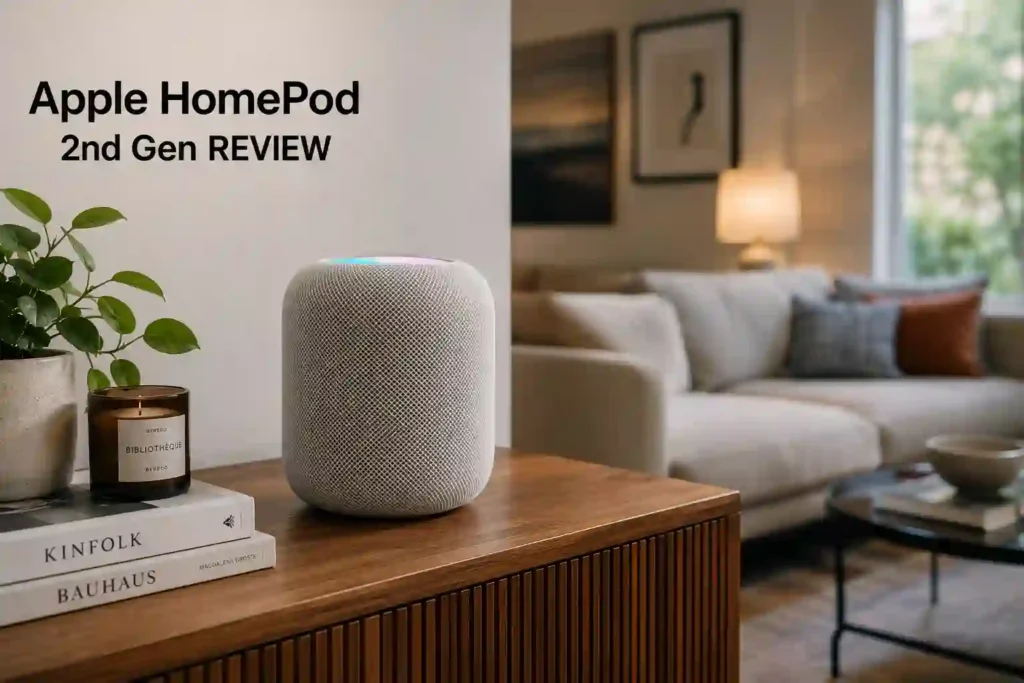
The HomePod follows Apple minimalism with a mesh fabric outer grille and a matte top touch surface. Finish options are white and midnight. The silhouette is compact and modern so it fits easily into most rooms without drawing attention.
Materials and Durability
The speaker feels premium and solid in hand. The mesh textile exterior is a standard premium smart speaker choice and contributes to a refined look. Reviewers described build quality as rock solid and durable.
Placement Considerations
The speaker benefits from a stable flat surface with some clearance to allow unobstructed sound radiation. Placement affects bass and stereo imaging. When two units are used, symmetry and spacing improve left right separation. For TV use make sure the Apple TV 4K and TV routing are compatible with eARC for best results.
Practical Usability
A removable power cable is a notable practical improvement over prior generation designs. The touch surface covers basic controls. The added environmental sensors and Thread Matter support make the speaker more useful as a smart home hub beyond audio alone.
Setup and Instllations
Ease of Setup
Setup is streamlined for iPhone and iOS users. Quick pairing flow makes initial configuration feel fast and integrated with the Home app. For people in the Apple ecosystem setup is one of the HomePod strengths. For more detailed process you can refer to the official Apple HomePod 2nd Gen user manual.
Connectivity
AirPlay 2 is the primary streaming protocol and the speaker relies on Wi Fi for streaming and home integration. Thread Matter support helps smart home connectivity. There is no standard Bluetooth audio streaming so pairing via A2DP is not possible.
User Friendliness and Limitations
The speaker is very user friendly for iPhone users. Limitations show up for non Apple devices because many features assume iOS or Apple TV presence. For TV use Apple TV 4K with an eARC capable TV gives the best home theater experience.
Real World Performance
Movies and TV
Dialogue typically comes through clear and well defined especially when the HomePod is linked to Apple TV 4K. The speaker handles voices with clarity and retains background detail. When two HomePods are paired and used with Apple TV 4K plus an eARC TV the Dolby Atmos effect becomes noticeable and adds immersion. The trade off is maximum loudness. A single HomePod can be limited for very large rooms or very loud group viewing. For those scenarios stereo pairing or a larger AV solution is preferable.
Music Listening
The HomePod delivers a balanced and engaging musical presentation with strong vocals and good instrument separation. Bass is impressive for a compact speaker and holds up at lower volumes due to the adaptive EQ behavior. For intimate listening and small to medium rooms the HomePod competes strongly in its class. The main complaint from some listeners is limited user EQ and occasional perceived emphasis in the upper midrange on certain tracks. Stereo pairing greatly widens the soundstage and improves imaging for music lovers.
Gaming
When used with an Apple TV 4K and paired HomePods gaming benefits from added immersion. The paired configuration increases sense of space and impact for game audio. The HomePod is not marketed as a low latency gaming speaker and detailed latency metrics are not available. For competitive gaming where pinpoint positional cues and minimal latency matter, a dedicated AV receiver and speaker setup remains the best choice.
Voice Content and Podcasts
Podcasts and spoken word are clear and easy to follow. The speaker maintains vocal presence while preserving background ambience. This makes the HomePod a reliable choice for news, podcasts and long form listening in the home.
Indoor Use
Indoors the HomePod excels in small to medium rooms where its clarity and adaptive behavior shine. It fills rooms with balanced sound and its compact footprint makes placement flexible. Stereo pairing is the clear path to better coverage and immersion.
Outdoor Use
The HomePod is designed primarily for indoor use. It lacks the portability and Bluetooth streaming expected of outdoor speakers. For outdoor listening other products that offer Bluetooth and weather resistance are better suited.
Best Sound Settings For Apple HomePod 2nd Gen
For movies the best results come from pairing two HomePods and using Apple TV 4K with an eARC capable TV to enable Dolby Atmos playback. For music rely on AirPlay 2 from Apple Music or iOS devices and use stereo pairing to maximize imaging and soundstage. There are no advanced user accessible EQ controls on the HomePod itself so adjustments happen at source app level.
WHAT OWNERS LIKE
Owners and reviewers commonly praise the HomePod for excellent sound quality relative to its size and a natural, balanced tuning. The quick seamless setup with an iPhone and Apple services receives positive notes. The removable power cable and built in temperature and humidity sensors are viewed as practical upgrades. Stereo pairing repeatedly appears as a feature that transforms the listening experience.
COMMON COMPLAINTS
Frequent complaints center on the lack of Bluetooth audio streaming which prevents easy pairing with non Apple devices. Siri is seen as competent for Apple home tasks but limited compared with Alexa and Google Assistant in third party integrations. Some users and reviewers mention limited maximum loudness for larger rooms and the absence of user facing EQ controls.
Connectivity and Smart Features
Bluetooth
No standard Bluetooth audio streaming is supported. The HomePod is not a general purpose Bluetooth speaker.
Wi Fi and AirPlay 2
AirPlay 2 is the primary streaming method and the speaker uses Wi Fi for device communication and updates. This creates a tight streaming experience for Apple devices.
Apps and Updates
Management and firmware updates are handled through the Home app and iOS environment. Full feature set is optimized for iPhone and iCloud linked accounts.
Voice Assistant and Smart Home
Siri handles music playback and smart home tasks integrated with HomeKit Matter. For automations the temperature and humidity sensors add useful triggers. Siri is effective for Apple tasks but falls behind other assistants in breadth.
Common Troubleshooting Issues
Bluetooth expectation mismatch
Expectations that a HomePod will pair like a Bluetooth speaker cause the biggest confusion. The solution is to use AirPlay 2 or Apple TV 4K for TV audio.
TV audio routing issues
When TV audio does not route correctly to a HomePod setup the cause often involves TV lacking eARC or misconfigured Apple TV routing. The best remedy is using Apple TV 4K as the source with an eARC capable TV and selecting the HomePod pair as the TV speaker destination.
Siri limitations
When Siri misses broader web or third party queries accept that it is optimized for Apple ecosystem tasks. For wide assistant capability a secondary assistant device may be needed.
Limited loudness
If more headroom is required use two HomePods as a stereo pair or integrate the HomePod into a larger audio system.
Competitor Comparison
Apple HomePod first generation
When choosing between the two HomePod generations the 2nd Gen is preferable for modern smart home features, removable power cable and added sensors. We recommend the 2nd Gen for buyers who want these conveniences. Buyers on a strict budget and who find a first generation unit used at a discount might consider the older model but the second generation is the more future proof pick.
Sonos One and Sonos Era 100
We would pick the HomePod when the priority is tight Apple integration and the best AirPlay 2 experience. We would pick Sonos if broader platform compatibility, app level EQ and voice assistant flexibility are critical.
Amazon Echo Studio
We would choose the HomePod for Apple centric music and TV setups. We would choose Echo Studio for Alexa centric homes or where multi assistant capability and price sensitivity weigh more.
Sonos Arc
We would choose the HomePod for compact high fidelity listening and Apple TV pairing in small setups. For full range dedicated TV home theater the Sonos Arc soundbar is the more suitable option.
Pros and Cons
Pros
- Excellent clarity and balanced tuning for a compact speaker.
- Seamless Apple ecosystem integration with AirPlay 2 and Apple TV support.
- Stereo pairing that creates a wide soundstage and Atmos playback when configured correctly.
- Detachable power cable and built in temperature and humidity sensors for smart home utility.
- Easy setup for iPhone users.
Cons
- No standard Bluetooth audio streaming available.
- Heavy dependence on Apple ecosystem and iOS for full features.
- Siri is less capable than competing voice assistants.
- Limited user facing EQ controls.
- Single unit may lack maximum volume for very large rooms.
Value for Money
From the Apple HomePod 2nd Gen review perspective value depends on ecosystem fit. For Apple users who will make use of AirPlay 2, Apple TV 4K integration and stereo pairing features the speaker offers strong audio performance and smart home additions that justify consideration. For cross platform households or people who need Bluetooth and a highly versatile assistant the HomePod is less compelling.
FINAL VERDICT
The Apple HomePod 2nd Gen review finds a compact speaker that delivers impressive clarity, controlled bass and a refined Apple centric experience. Stereo pairing transforms the device into a capable home theater option when paired with Apple TV 4K and an eARC capable TV enabling Dolby Atmos playback. The removable power cable and environmental sensors add useful everyday convenience.
Limits include no standard Bluetooth streaming, Siri that lags competitors and minimal on device EQ options. For those who are deeply invested in Apple devices and want a compact high fidelity speaker that integrates cleanly into Apple TV and HomeKit Matter the HomePod is a strong choice. For people who need universal compatibility or the broadest voice assistant capabilities other platforms may be better.
HOW THIS PRODUCT WAS EVALUATED
The Apple HomePod 2nd Gen review summarized specifications driver configuration and supported features and examined real world scenarios for music movies gaming and smart home use. Performance notes consider stereo pairing and Apple TV integration as key differentiators and user feedback shaped conclusions about strengths and trade offs.
Does the HomePod support Bluetooth audio streaming?
No the HomePod does not support standard Bluetooth audio streaming.
Can HomePod be used with Apple TV for Dolby Atmos?
Yes when two HomePods are paired and used with Apple TV 4K and an eARC capable TV Dolby Atmos playback is supported.
Do two HomePods form a stereo pair?
Yes two HomePods can be paired to create a true left right stereo pair for improved imaging.
Does the HomePod include temperature and humidity sensors?
Yes the HomePod includes built in temperature and humidity sensors for use in home automations.
Do we need an iPhone to set up the HomePod?
Setup is optimized for iPhone and iOS and the full feature set is accessed most easily from those devices.
Is It Worth Buying Apple HomePod 2nd Gen?
For people already inside the Apple ecosystem Apple HomePod 2nd Gen often comes down to priorities. If tight AirPlay 2 streaming, Apple TV 4K Dolby Atmos via stereo pairing and polished build matter greatly then the answer is yes. If cross platform flexibility and Bluetooth remain essential then the HomePod is not the best fit.
Best Sound Setting for Apple HomePod 2nd Gen?
HomePods paired with Apple TV 4K on an eARC capable TV is the recommended configuration for movies and Atmos. AirPlay 2 streaming from Apple Music and stereo pairing to maximize imaging is best for music.